
Booking Automations With Zapier and Webhooks: Make New Bookings Do the Admin
Connect Onbookr bookings to Google Sheets, chat, CRMs, and email lists through Zapier and webhooks. The automations worth building first.
Booking Automations With Zapier and Webhooks: Make New Bookings Do the Admin
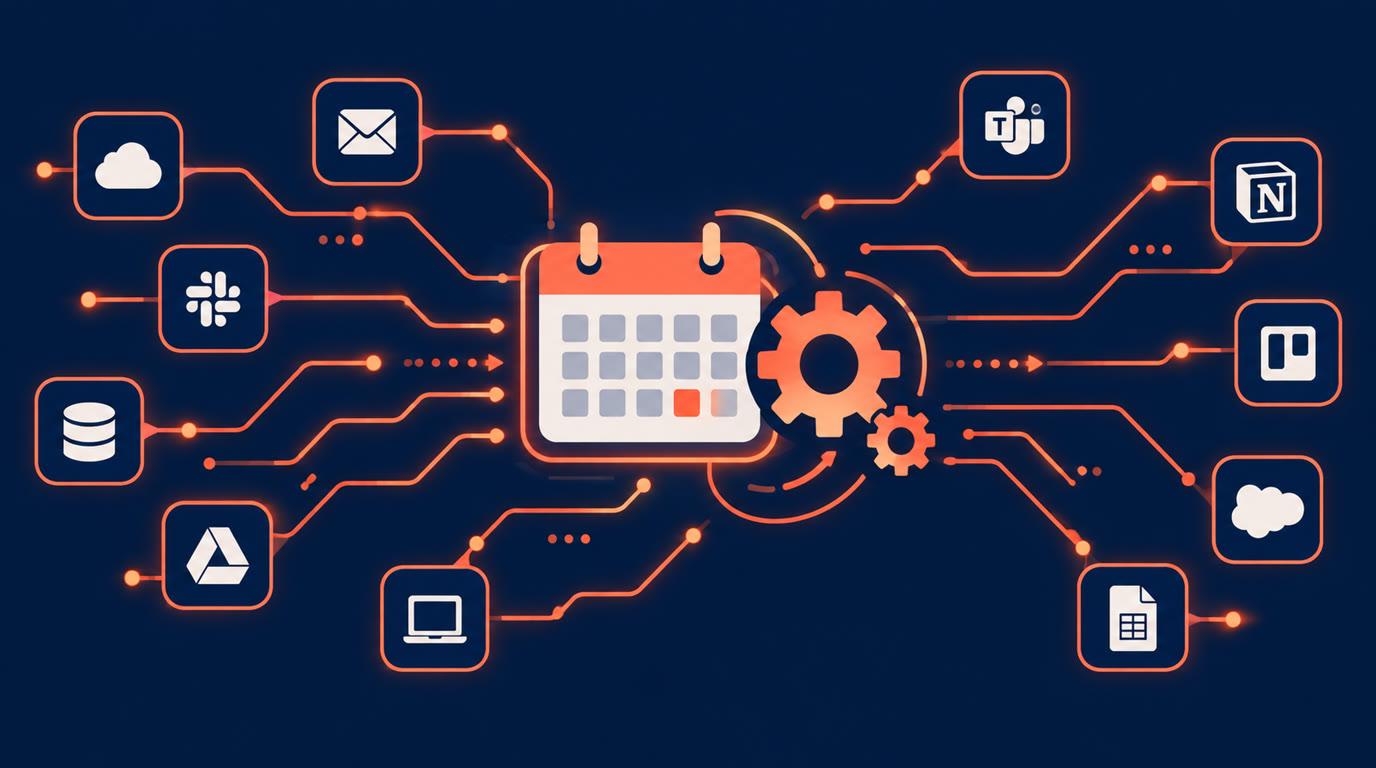
A new booking sets off a chain of small tasks: add the client to a spreadsheet, notify whoever needs to know, update a CRM, send a prep message. Done by hand, each booking costs you a few minutes of admin. Done with automation, the booking itself triggers all of it.
Onbookr connects to Zapier and exposes webhooks, so your bookings can flow into the tools you already use. This guide covers the useful automations and how to think about setting them up.
The two ways in
There are two integration routes, and which one you use depends on how technical you are.
Zapier is the no-code route. Onbookr has a Zapier connection, so you can build Zaps that react to your bookings and push the data into thousands of apps without writing anything. If you already use Zapier for other parts of your business, this is where to start.
Webhooks are the developer route. Onbookr can send webhook events to any URL you control, so a custom system, your own backend, an internal dashboard, receives booking data the moment it happens. If you have a developer or you are one, webhooks give you full control.
Automations worth building first
The highest-value automations are the boring ones you repeat after every booking:
- New booking to a Google Sheet row: a running log of every appointment with client details, useful for records, follow-ups, and end-of-month totals.
- Booking alert to your team chat: a message the moment a booking comes in, so the right person knows without watching a dashboard.
- New client to your email list or CRM: every first-time booker added automatically, so your marketing list builds itself.
- Reminder to yourself for prep-heavy services: a task created a day before each appointment that needs preparation.
Start with one automation, let it run for a week, and add the next. Small and reliable beats ambitious and fragile.
What good automation hygiene looks like
A few habits keep automations from becoming a maintenance problem. Name your Zaps clearly so you remember what each one does six months later. Test with a real booking and check the receiving app, not just the Zap's test button. And keep the automation list short: every Zap you add is one more thing to debug when something changes.
For webhooks, point them at an endpoint that logs what it receives before you build anything clever on top. Booking data is only useful if you can see exactly what arrived.
Where this sits in the product
The Zapier connection and webhooks live alongside the rest of the Onbookr feature set: the booking page with per-service durations and prices, payment at booking through Stripe, PayPal, or Razorpay, two-way Google Calendar sync, email reminders with WhatsApp reminders on the Business plan, the embed widget, and QR codes. Automation is the layer that connects bookings to everything else you run.
The Individual plan is $9 per month and the Business plan $29 per month with up to 10 team members, both with a 1-month free trial and no commission on your bookings.
The goal is simple: a booking should do its own paperwork.