
Why Visitors Look at Your Booking Page and Leave Without Booking
The five quiet reasons booking pages lose visitors, from vague services to hidden prices, and the afternoon fixes for each.
Why Visitors Look at Your Booking Page and Leave Without Booking
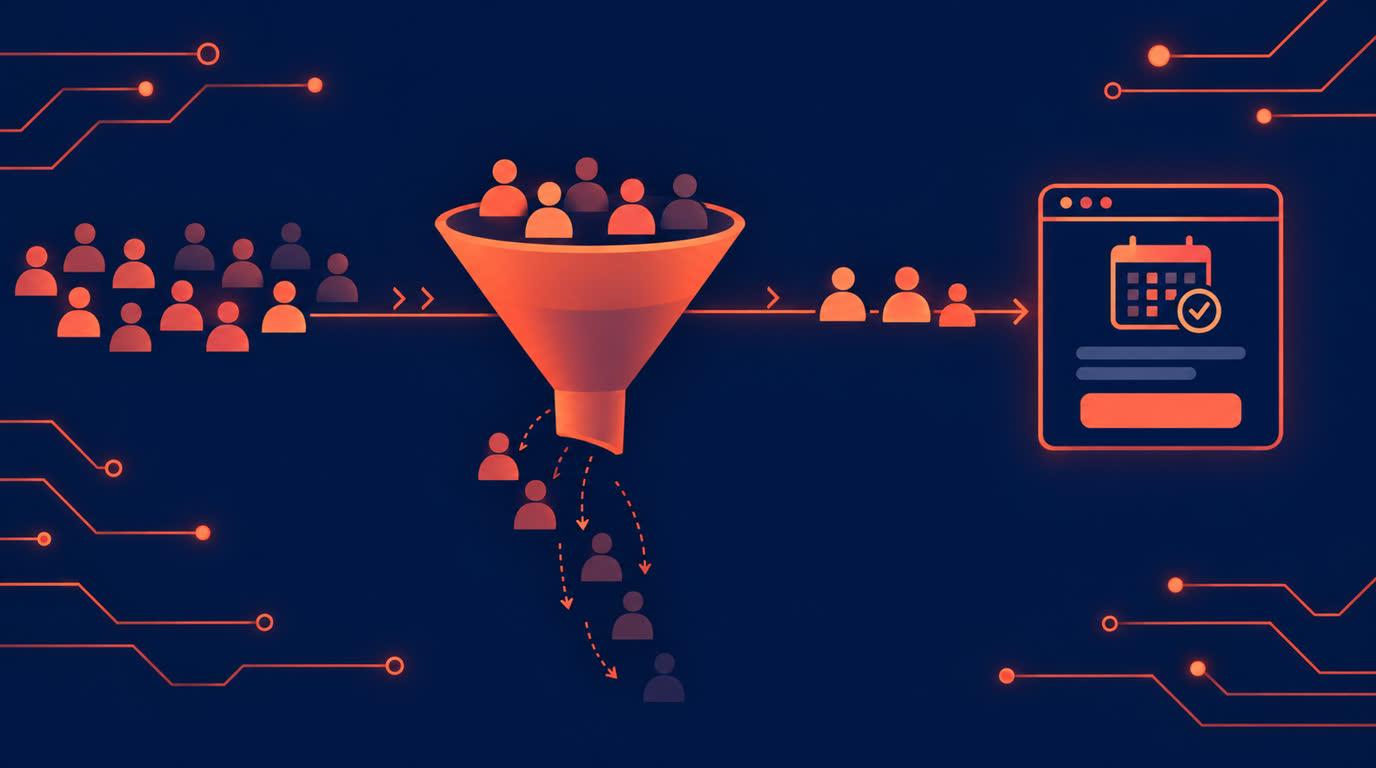
You share the link, the visits come, and the bookings do not. This is the quietest problem in a service business: nobody messages to say your page lost them. They just leave. The causes are almost always the same handful, and all of them are fixable in an afternoon.
The visitor cannot tell what they are buying
"Consultation" is not a service; it is a category. A visitor deciding whether to book needs to know what happens, how long it takes, and what it costs, before they commit. On Onbookr, each service carries its own name, duration, price, and image, so make them do the work: "Initial consultation, 45 minutes, includes a written action plan" converts; "Book a session" does not. If your service list reads like a menu from a business you would not visit, that is the first fix.
The price is hidden, so the visitor assumes the worst
A page with no price does not read as premium; it reads as a trap. Visitors who cannot see a price leave to find one. Show the price on the service, and if the service is expensive, let payment at booking be the gentle version: the full price or a smaller booking fee with the remaining balance settled directly with the client, through Stripe, PayPal, or Razorpay, including UPI and net banking. The booking confirms only once payment succeeds, and Onbookr takes no commission. A visible price with a small commitment beats an invisible price every time.
The availability does not look real
A calendar that shows nothing free for three weeks tells the visitor to go elsewhere. A calendar that shows everything free forever tells them nobody books you. Keep the page honest: set the hours you actually work, and let two-way Google Calendar sync close the days you cannot take. Real availability converts better than either fiction.
The booking asks for too much, too early
Every extra field is a leak. Name, contact, slot, payment: that is a booking. The visitor's life story can come after they are committed. Check your own page as a stranger would: how many taps from link to confirmed? Each one you remove is worth more than another week of promotion.
Nothing after the booking confirms it happened
The visitor who does book and hears nothing wonders if it worked, and sometimes books elsewhere to be safe. Onbookr sends automated email confirmations the moment a booking is made, and reminders before the appointment, with WhatsApp reminders on the Business plan. The confirmation is part of the conversion; it closes the doubt that opens when a page goes silent.
What it costs
The Individual plan at $9 per month covers one booking page with automated email reminders. The Business plan at $29 per month supports up to 10 team members and adds WhatsApp reminders. Both include a 1-month free trial.
Your page does not need more visitors first. It needs to stop losing the ones it has.