
QR Codes for Appointment Booking: Turn Foot Traffic Into Booked Slots
Use QR codes on storefronts, cards, flyers, and receipts to send clients straight to your booking page. Placement tips that actually get scans.
QR Codes for Appointment Booking: Turn Foot Traffic Into Booked Slots
QR codes had their comeback and never left. Menus, payments, posters, product packaging: people scan first and ask later. For any business that takes appointments, a QR code is the shortest path from "I should book that" to a booked slot, and most businesses are not using it.
Onbookr generates QR codes for your booking page, so the print material you already have can start filling your calendar. Here is where they earn their keep.
Why a QR code beats a spoken link
Nobody types a URL they heard. Nobody remembers an Instagram handle from a flyer. A QR code removes the memory step entirely: point the phone camera, tap, and the booking page is open. The fewer steps between intention and booking, the more bookings you get, and a scan is one step.
It also works at the exact moment intent is highest: when the client is standing in front of you or your work.
Where to put them
The placements that work best are the ones that catch people at the decision moment:
- On the storefront or reception counter, so a walk-in who finds you busy books a slot instead of leaving.
- On business cards and appointment cards, so the card in a wallet stays useful for months.
- On flyers and local ads, where a phone number gets ignored but a scan takes two seconds.
- On invoices and receipts, so every paying client has a direct route to rebook.
- On product packaging or aftercare cards, for businesses like salons and lash studios where the client rebooks on a cycle.
- On your vehicle, if you run a mobile service and park in client neighbourhoods.
What the client sees
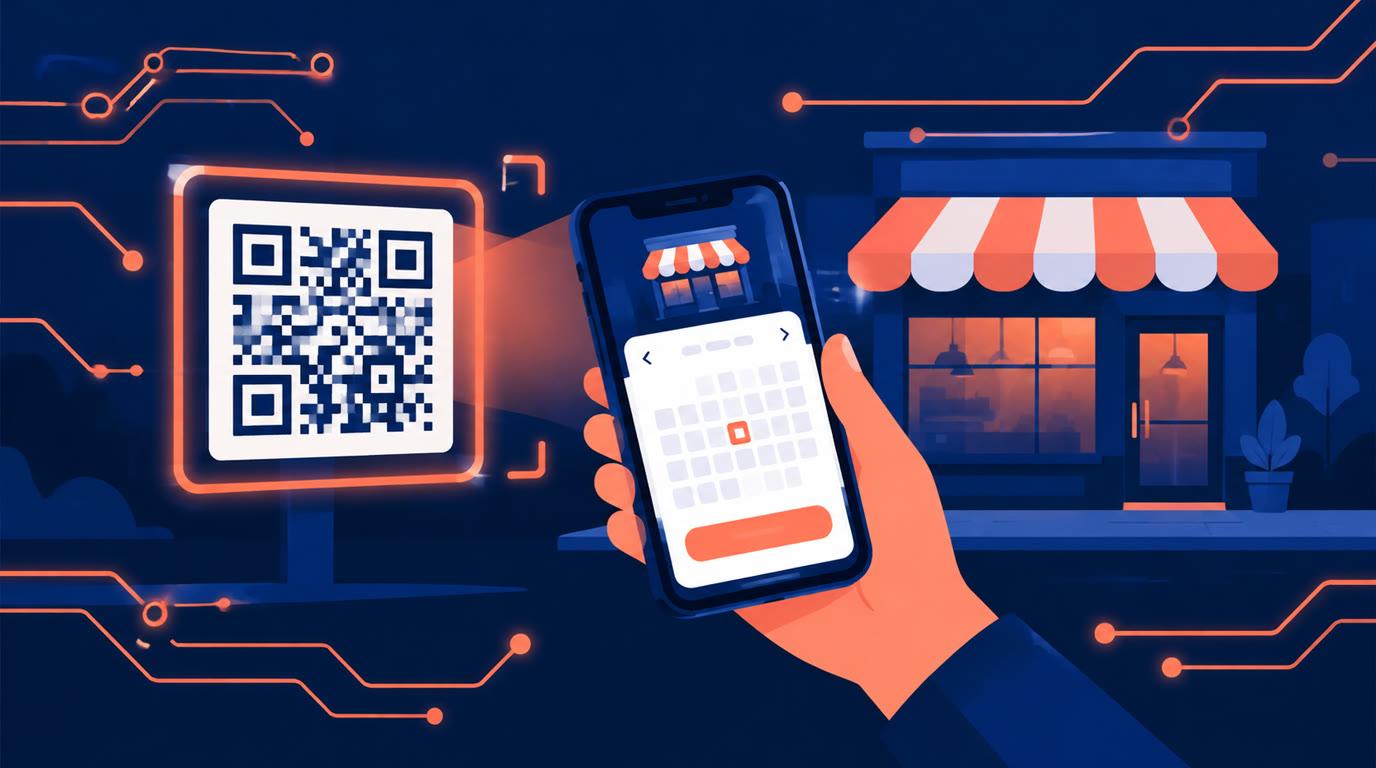
Scanning the code opens your Onbookr booking page: your services with their durations and prices, your live availability, and payment at booking if you charge for it. The client picks a slot and, where payment applies, pays the full price or a booking fee with the balance settled directly with the client. The booking lands on your calendar through the Google Calendar sync, and confirmations and reminders go out automatically on paid plans.
There is nothing new for the client to learn. It is the same booking page you would send them by message, reached without the message.
A few practical tips
Test the code from a printed copy, not your screen; glossy lamination and poor contrast break scans. Give the code a quiet zone, a clear margin around it, and size it for the distance it will be scanned from: bigger on a window than on a card. Put a line of text under it that says what scanning gets them, "Scan to book your appointment", because a bare square gets ignored.
If you place codes in several spots, note which ones generate bookings so you know where to double down.
Costs nothing extra
QR codes are part of your Onbookr booking page, so there is no separate tool or subscription. The Individual plan is $9 per month and the Business plan $29 per month with up to 10 team members, both with a 1-month free trial and no commission on bookings.
Print one today, stick it where your clients already stand, and let the walk-ins book themselves.