
Paper Diary vs Booking Software: An Honest Comparison for Service Businesses
Where the paper diary genuinely wins, where it quietly loses, and the middle path most businesses actually take. An honest comparison.
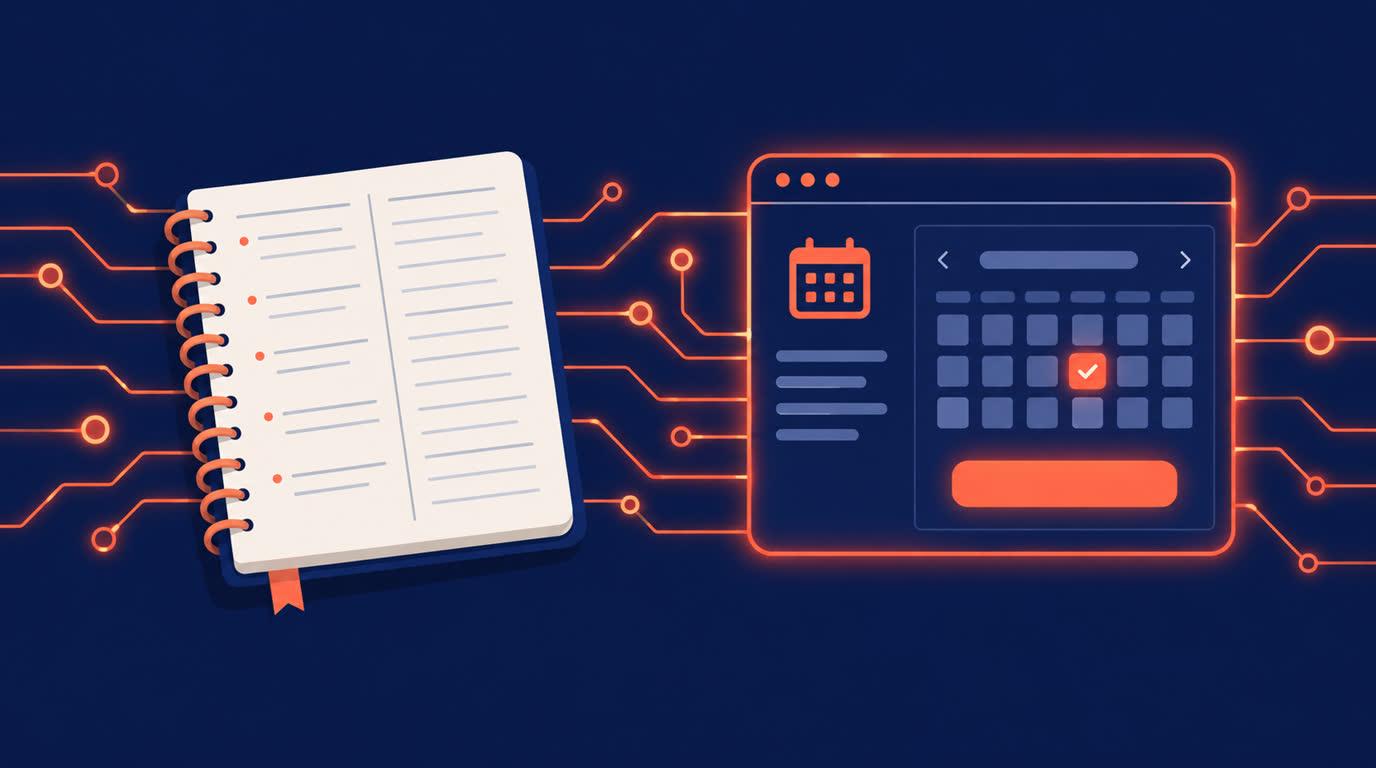
Paper Diary vs Booking Software: An Honest Comparison for Service Businesses
The paper appointment diary has survived everything. It never crashes, never logs you out, and fits in a drawer. Plenty of good businesses still run on one, and their owners ask a fair question: what does booking software actually do that the diary does not?
Here is the honest comparison, including where paper genuinely holds its own.
Where paper wins
Credit where due. The diary is instant: open it, write a name, done. It works during load-shedding and dead zones. It costs almost nothing, and everyone already knows how to use it. For a business where every booking walks through the door or rings the phone, and the owner personally handles each one, paper does the job.
If that is your business and it is working, this article will not convince you, and that is fine.
Where paper quietly loses
The diary's costs are real but invisible. It cannot answer at midnight, when a surprising share of clients decide to book; that client books whoever has a link. It cannot show a client your real availability, so every booking costs a conversation. It cannot remind anyone, so no-shows depend on memory, theirs and yours. And it cannot take payment, so a booking in pencil is a promise, not a commitment.
Booking software answers each of these. Your Onbookr page shows services with durations and prices around the clock, in the visitor's own time zone. Clients book and pay at booking, either the full price or a smaller booking fee with the remaining balance settled directly with the client, through Stripe, PayPal, or Razorpay. Automated email reminders, with WhatsApp reminders on the Business plan, carry the appointment to the day, and clients reschedule themselves through their manage link.
The double-booking test
Every paper-diary business has the story: two clients, same slot, one mortifying morning. It happens because the diary and your real life drift apart, a personal commitment you forgot to write down, a booking taken while the diary was at the shop.
Two-way Google Calendar sync is the software answer: client bookings appear on your calendar automatically, and anything already on your calendar stops being bookable. The diary cannot sync with anything. It knows only what someone remembered to write.
The middle path most businesses actually take
Almost nobody goes fully digital on day one. The pattern that works: keep the diary for walk-ins and phone regulars, and put the booking link where new clients already look, your Google Business profile, Instagram bio, WhatsApp status. New clients book themselves; regulars keep calling; the calendar sync means the two never collide. Within a few months, most of the diary's job has quietly moved online, and the diary becomes the backup instead of the system.
What the switch costs
Onbookr's Individual plan is $9 per month, the Business plan $29 per month with up to 10 team members, and both include a 1-month free trial with no commission on your bookings. Setup takes an afternoon: your services, your hours, your calendar connected.
The diary served a century of businesses well. It just cannot book a client at midnight, remind them the day before, and take their payment. Your booking page can, while you sleep.