
A Mobile Booking Page Checklist for Service Businesses
Check the mobile booking journey from the real link through service choice, time selection, price, checkout, confirmation, and appointment changes.
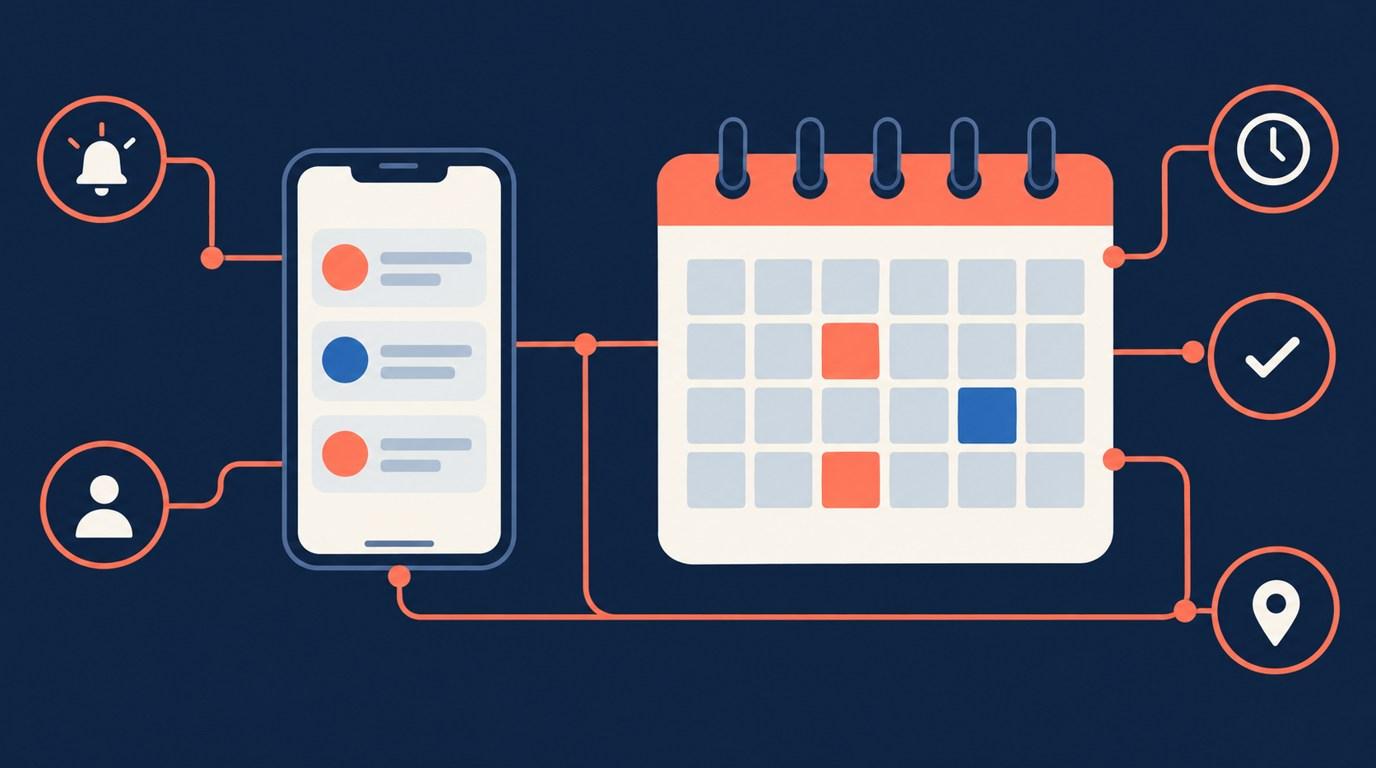
A booking page can look tidy on a large monitor while hiding its price or next step on a phone. Test the journey at the size and entry point clients actually use. This checklist is a usability review, not a certification of accessibility or legal compliance.
Start from the real entry point
Open the link in your social profile, website button, or saved message. Confirm that it reaches the intended booking page rather than a homepage that makes visitors search again. If you use an embedded calendar, test inside the real page, not only the standalone scheduler.
Onbookr offers a booking page and an embeddable widget. Whichever route you choose, keep a clear path back to service information. A visitor should not have to remember a price from a different tab.
Make service choices distinguishable
Read the service names without their images. Can a new client tell a first visit from a follow-up? Can they see the duration and understand what the price covers? Replace internal abbreviations with the words clients use.
Onbookr services support a name, duration, price, and image. Those fields should describe the actual appointment. Put detailed prerequisites and preparation guidance on your website or send them through your normal client process.
Check taps, text, and recovery
Try the flow with one hand. Check whether text is readable without constant zooming, whether controls are easy to distinguish, and whether opening the keyboard hides the next step. Increase the phone's text size and check again.
Make one deliberate mistake, such as selecting the wrong service or time, then correct it. Record whether the page preserves the other choices. These are test observations, not guarantees that any specific booking product handles every device the same way.
Keep the commitment clear
Before checkout, a visitor should understand the service, appointment time, amount due now, and what happens next. If the amount is a smaller booking fee, explain that the remaining balance is settled directly with the client. Onbookr does not track that remaining balance as a deposit ledger.
Do not make a real payment just to test the screen without approving the cost. Use a supported test route where available.
Finish at confirmation, not at the button
Read the confirmation on the same phone. Check the date, time, and manage link. Onbookr provides automated email reminders, with WhatsApp reminders on the Business plan, but reminders do not replace clear appointment information at booking.
Finally, ask someone unfamiliar with your service to describe what they booked and what they owe. Any hesitation points to wording worth fixing before you send more visitors into the flow.