
How to Take Bookings From Instagram Without the DM Ping-Pong
Turn Instagram attention into confirmed appointments: bio link, story walkthroughs, QR codes, and payment at booking. Setup guide inside.
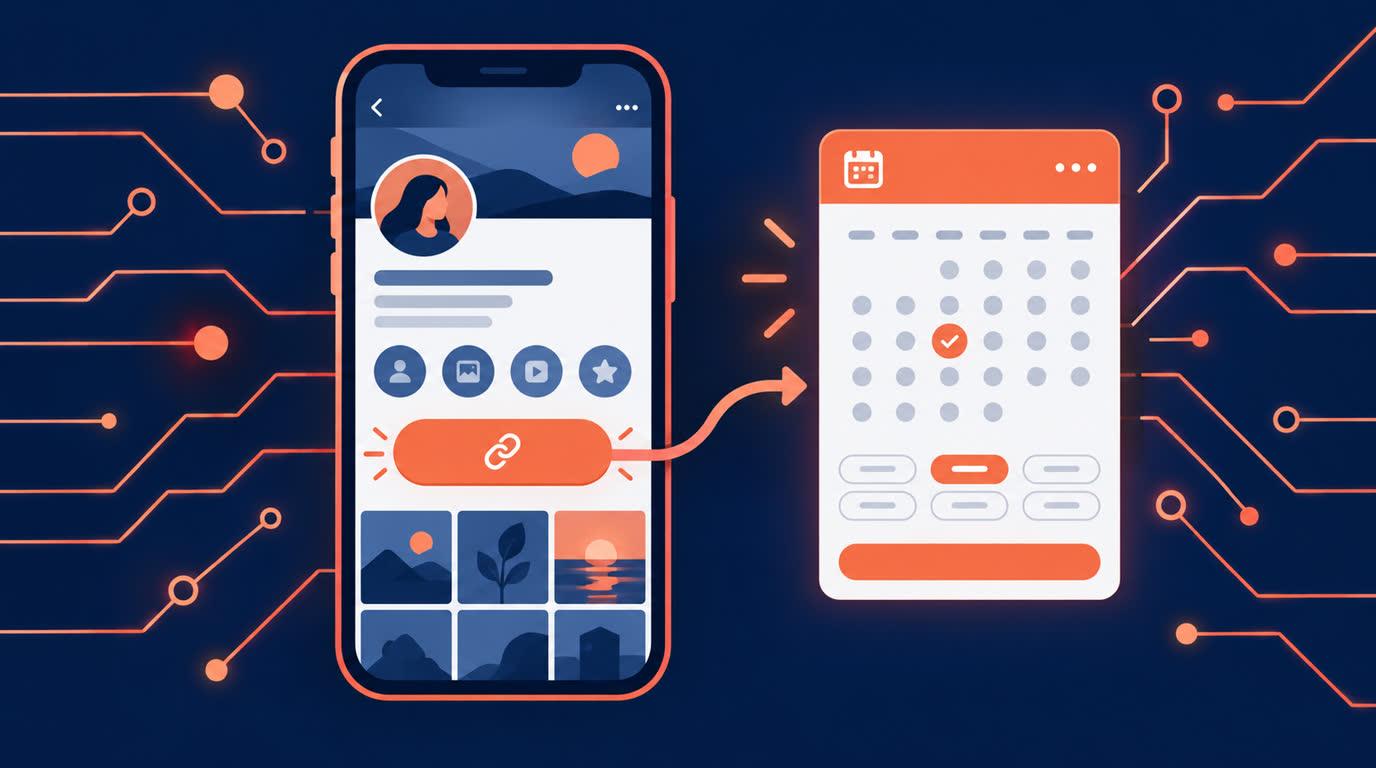
How to Take Bookings From Instagram Without the DM Ping-Pong
If you run a service business on Instagram, you already know the pattern: someone sees your work, DMs you "price?", and a twelve-message conversation follows about availability, timing, and payment. Half of them go quiet before booking. Instagram is great at creating demand and terrible at converting it.
The fix is boring and effective: a booking link, placed everywhere Instagram lets you put one. Here is the setup that turns profile visits into confirmed appointments.
The link in bio is your booking desk
Your bio link is the one clickable door out of Instagram, so make it do the highest-value job: taking bookings. Put your Onbookr booking page there, and the path from "I love this" to "booked" becomes: profile, tap, pick a service, pick a slot, pay. No DMs, no waiting for you to wake up in your time zone.
The booking page shows your services with their durations and prices, your live availability in the visitor's own time zone, and payment at booking through Stripe, PayPal, or Razorpay, including UPI and net banking. The client commits on the spot; the booking confirms only once payment succeeds, either the full price or a booking fee with the remaining balance settled directly with the client. Onbookr takes no commission.
Stories and highlights do the repeating
A link in bio only works if people know it is there. Use stories to walk through the booking: a screen recording of picking a slot converts better than a "link in bio" text overlay, because people book what they can picture. Save the walkthrough to a highlight called "Book" so it works for months.
After every job, post the result and point at the link. The after-photo of the haircut, the finished cake, the organised closet: each one is an ad for the booking page with proof attached.
DMs become the exception, not the queue
Some people will still DM, and that is fine. What changes is your reply: instead of negotiating times, you send one message with your booking link. The conversation shrinks from twelve messages to one, and the clients who were only browsing quietly filter themselves out when the booking page asks for a booking fee.
You can take this further with QR codes on anything printed, your packaging, business cards, market stall banner, all pointing to the same booking page, so offline attention joins the same queue.
Let the calendar run itself
Bookings that come in overnight land on your Google Calendar automatically through two-way sync, and anything you block off stops being bookable. Clients get email confirmations and reminders, with WhatsApp reminders on the Business plan, before the appointment, and they reschedule through their manage link when plans change. You find out from the calendar, not from a DM apology.
What it costs
Onbookr's Individual plan is $9 per month and the Business plan $29 per month with up to 10 team members, both with a 1-month free trial. If you already have the audience, this is the cheapest employee you will ever hire: the one that books clients while you sleep.