
How to Get Bookings From Google Maps and Search
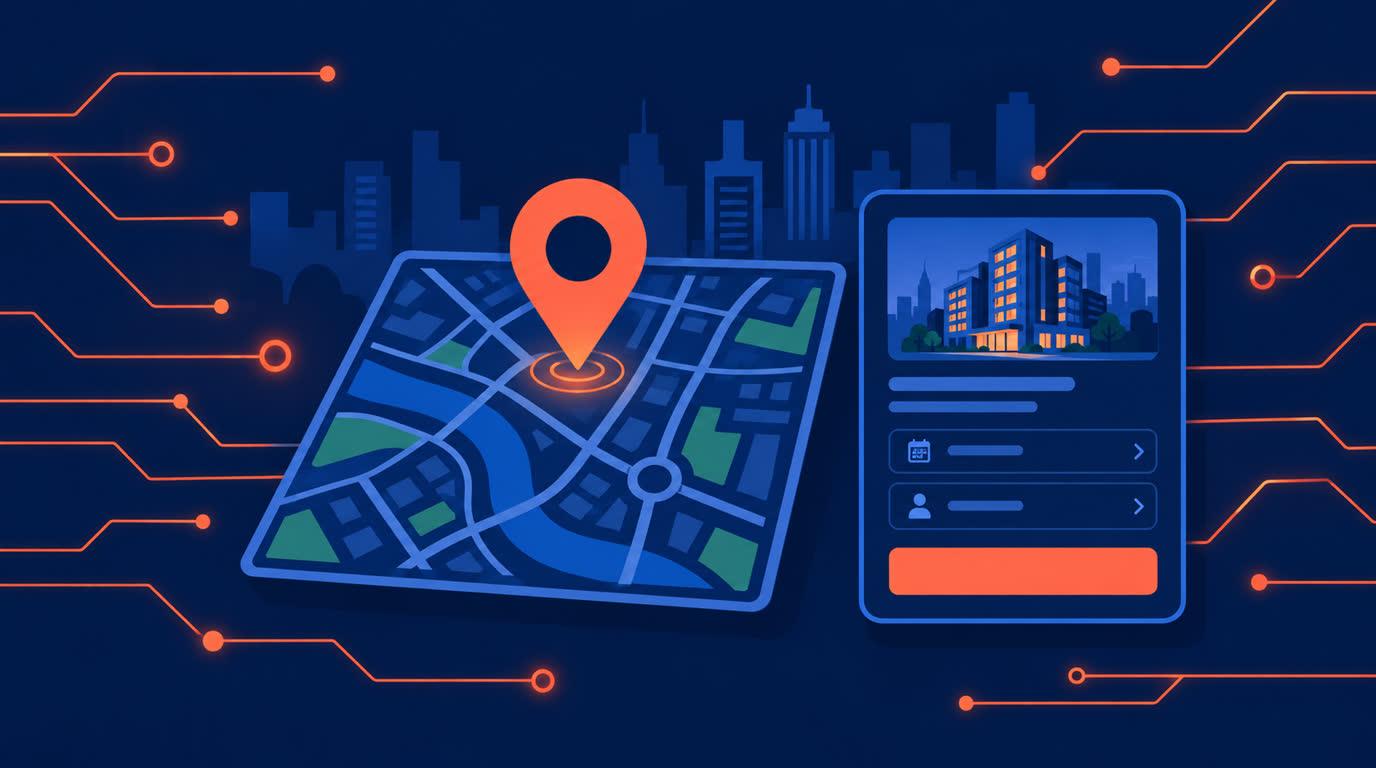
The booking link field on your Google Business Profile turns the map pack into a door. Reviews earn the tap, the link earns the booking.
How to Get Bookings From Google Maps and Search
When someone nearby searches "physiotherapist near me" or "bridal mehndi Nagpur", Google shows a map pack before it shows any website. The businesses in that pack get the call, or increasingly, the booking. If your Google Business Profile does not offer a way to book, the customer calls during your busiest hour, gets no answer, and taps the next listing.
Here is how to make your Maps listing book clients directly.
The booking link field is the whole trick
Google Business Profile has a dedicated field for an appointment or booking link. Put your Onbookr booking page URL there, and your listing gains a direct path from "found you" to "booked you" without a phone call in between. The customer sees your real availability, picks a slot, and the booking is done while your competitors are still relying on a phone number.
This matters most for exactly the searches with the highest intent: someone with a toothache, a flat tyre before a road trip, a function this weekend. They are not browsing. They are choosing whoever makes it easiest.
Reviews and the link work together
A listing with strong reviews and no way to act wastes the reviews. A listing with a booking link and no reviews wastes the link. Ask every happy client for a Google review, and let the booking field convert the trust those reviews build. The pair is the flywheel: reviews earn the tap, the link earns the booking.
Make the page behind the link do its job
The booking page the customer lands on decides whether the tap becomes revenue. Services need plain names, real durations, and visible prices; on Onbookr, each service carries its own name, duration, price, and image, so "AC service, 60 minutes" or "Bridal consultation, 90 minutes" is understood at a glance. Payment at booking, the full price or a smaller booking fee with the remaining balance settled directly with the client, through Stripe, PayPal, or Razorpay, including UPI and net banking, turns the visit into a commitment. The booking confirms only once payment succeeds, and Onbookr takes no commission.
What happens after the booking matters to the next searcher
A customer who booked from Maps and had a smooth experience becomes your next review. Automated email confirmations and reminders, with WhatsApp reminders on the Business plan, make sure the appointment actually happens, and the manage link turns a conflict into a reschedule instead of a no-show.
What it costs
The Google Business Profile is free. Onbookr's Individual plan at $9 per month covers the booking page with automated email reminders; the Business plan at $29 per month supports up to 10 team members and adds WhatsApp reminders. Both include a 1-month free trial.
The map pack is the new high street. Make sure your shopfront there has a door.