
A Booking System Migration Checklist That Protects Existing Appointments
Move future bookings carefully: record existing commitments, prevent duplicate availability, test payments and messages, and retire the old link deliberately.
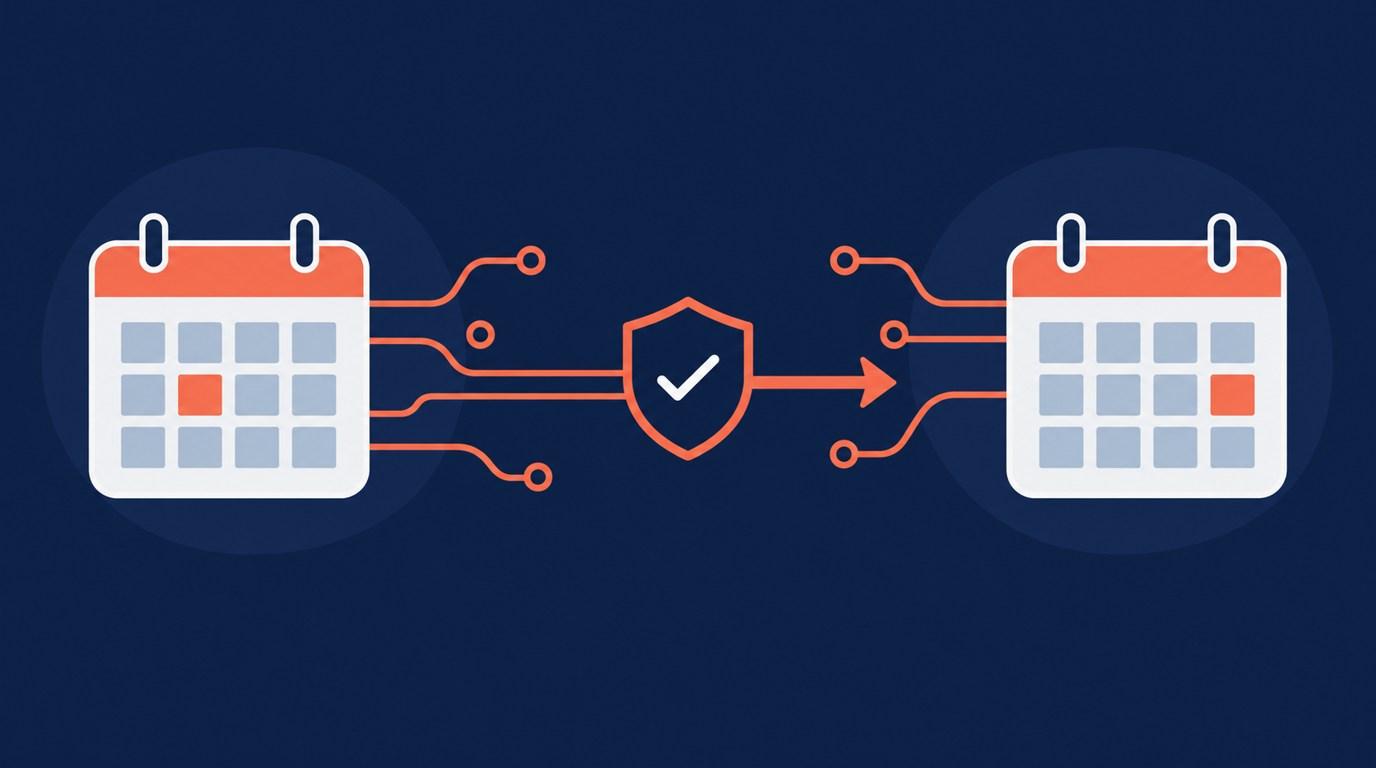
Changing a booking tool is easy to announce and harder to finish. Existing appointments, paid sessions, old links, and confirmation messages can remain in different places. Treat migration as a controlled handover, not a switch you flip at the end of an afternoon.
Inventory commitments before moving links
List future appointments and record where each was booked, whether it was paid, and which system will handle changes. Keep payment references in the appropriate payment records. Do not assume a new scheduler imports bookings, transfers payments, or preserves old manage links unless that exact path is documented and tested.
Also list every published booking link: website buttons, email signatures, social profiles, directory listings, and saved replies. The migration is incomplete while an old link still invites fresh bookings unintentionally.
Choose a clear overlap rule
Decide whether existing appointments stay in the old tool until completed or move through a verified migration process. If they stay, protect those times in the calendar used by the new scheduler.
Onbookr supports Google Calendar sync. That is useful for availability, but calendar sync is not a substitute for importing payment status, customer history, or session-credit balances. Test one busy block rather than assuming every old appointment is protected.
Rebuild the actual offer
Check each service's name, duration, price, and image. Those are Onbookr service fields. Compare the new offer with what a returning client previously bought. A renamed service should not quietly change its duration or scope.
Keep package balances and remaining fees in their existing records. Onbookr does not track unused-session balances or a deposit's remaining amount. Do not tell clients that those records moved unless they actually did.
Test before sending traffic
Run a complete appointment journey on a phone: service choice, availability, price, confirmation, manage link, and calendar result. Test an unsuccessful checkout as well as a successful one using a supported testing route. Do not make a real charge without approving its cost.
Check reminder expectations. Onbookr provides automated email reminders; WhatsApp reminders are on the Business plan. Do not copy a day-before reminder promise from the old system without checking the new timing.
Retire the old route deliberately
Update the link inventory and book through the new website button yourself. Keep the old system available for any appointments it still owns. Tell affected clients how to make changes, using reviewed communication appropriate to the relationship.
Finish by reconciling the future appointment list again. A migration is done when clients have one clear booking route and no existing commitment has disappeared between systems.