
Booking Software for Tour Guides: Private Tours, Meeting Points, and Weather
A private-tour booking workflow that separates guide availability, meeting details, payment, weather decisions, and open-departure capacity.
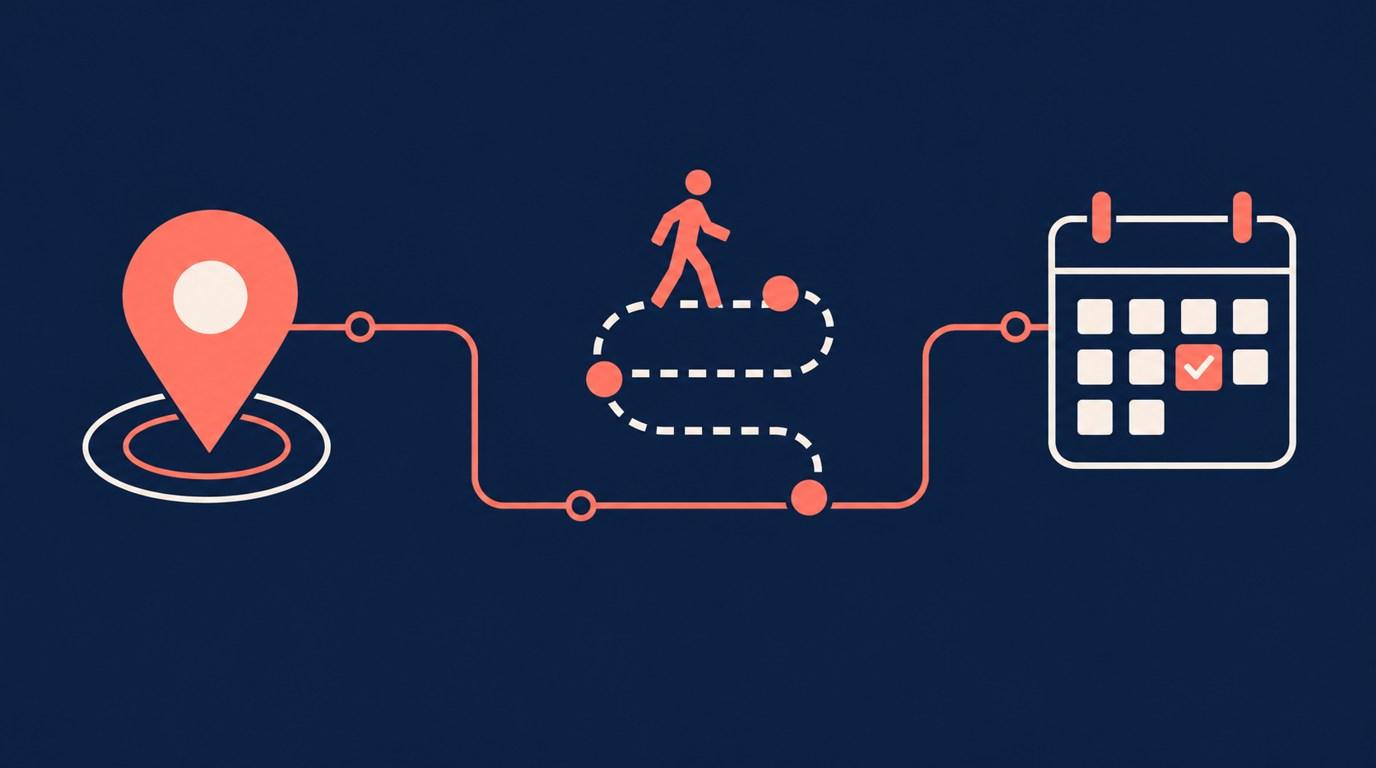
A private tour and an open group departure are different products. A private booking reserves your time for one party. A public departure sells places to several parties. Start there before choosing a booking tool.
Sell a defined private tour
Name the route, expected duration, and what the quoted price covers. For example, a three-hour food walk might be priced for the whole private party, with food purchases handled separately. Make that distinction visible before checkout. Do not leave guests guessing whether a displayed price is per person or per group.
Onbookr services have a name, duration, price, and image. Put detailed route information and meeting instructions on your website or in a direct message before the tour. Do not assume the service editor has a separate itinerary or guest-manifest field.
Keep public departures separate
Onbookr does not enforce seat limits for open-enrolment group departures. A private service booking is not a ticket inventory system. Keep departures that require passenger counts and remaining-seat controls in a tool designed for that job.
Private bookings still need a party-size check. Confirm that the group fits your vehicle, route, and guiding arrangements before offering that specific tour. A calendar opening alone does not prove the whole experience is available.
Make the money clear
For payment at booking, charge the full price or a smaller booking fee, with the remaining balance settled directly with the client. Onbookr does not track that remaining balance as a deposit ledger.
Write down what happens if weather makes the route unsuitable. Explain whether you offer a different route, a new date, or a refund under your own policy. Do not promise automatic refunds or free cancellation because a booking page has a reschedule link.
Protect the edges of the tour
Allow time to reach the meeting point and return from the endpoint. Onbookr supports buffers between bookings and Google Calendar sync. Test the actual travel gap before publishing back-to-back tours. A buffer is not route optimisation.
Automated email reminders can support the appointment; WhatsApp reminders require the Business plan. Send route changes and weather decisions yourself through the agreed guest channel. A standard reminder does not know whether a trail is safe or a monument is closed.
Finally, book one test tour on a phone. Check the price basis, meeting instructions, confirmation, and manage link. A guest should finish booking with a clear plan, not a new list of questions.