
Booking Software That Pays You Directly: How the Money Flows
Where booking payments actually go when you connect your own Stripe, PayPal, or Razorpay account, what Onbookr charges, and how payout timing works.
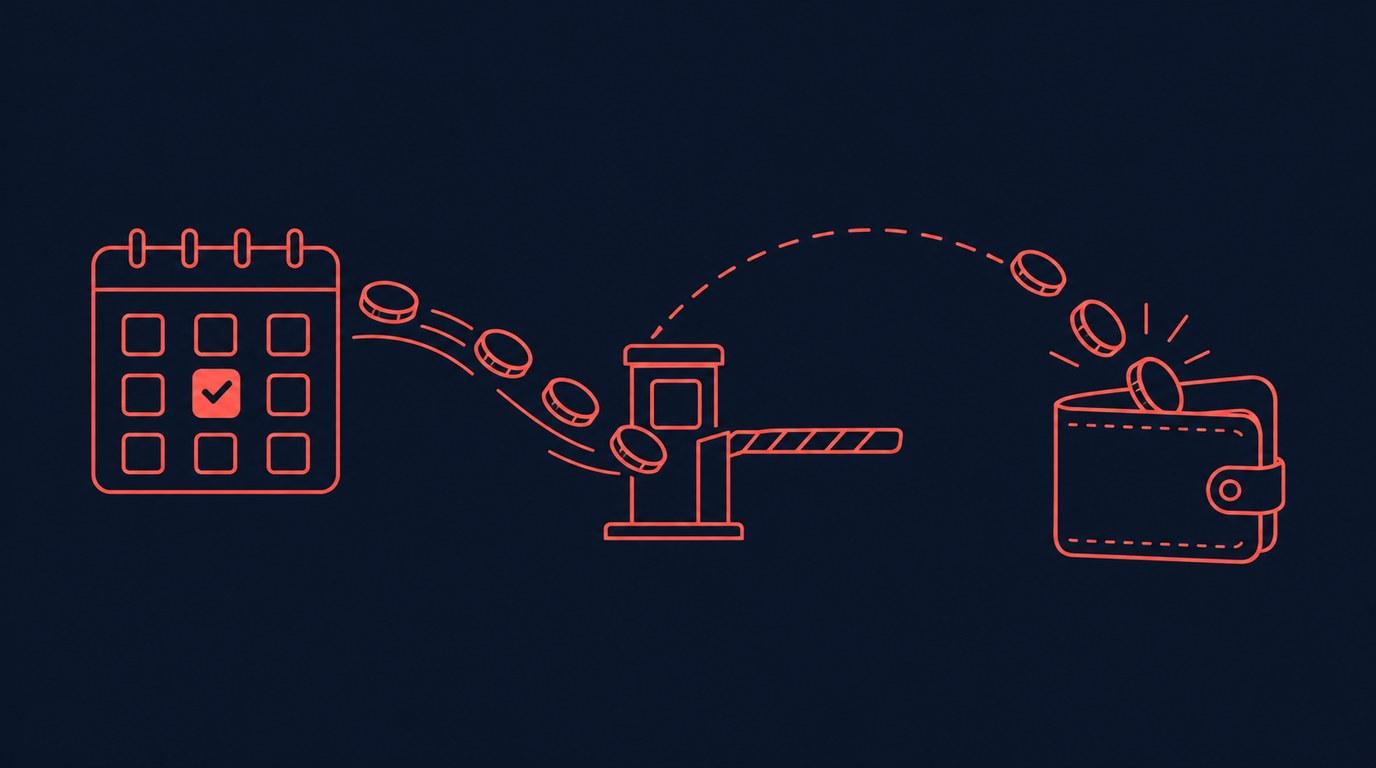
When a client pays for a booking, where does the money actually go? With marketplace platforms, it often sits in the platform's account first, minus a commission, arriving days or weeks later. That model quietly taxes every appointment you book. Onbookr works differently, and the difference is worth understanding before you connect anything.
Your payment account, not ours
Onbookr never holds your client's payment. You connect your own Stripe, PayPal, or Razorpay account, and the client's money moves from their card or bank straight into that account. Onbookr records the booking and sends the confirmations; the payment itself is a transaction between you and your client through the gateway you already trust.
That means your payout timing is your gateway's timing. Stripe, PayPal, and Razorpay each settle on their own schedule to your bank account, and Onbookr has no seat at that table. If you already receive payments through one of them, booking income lands exactly where the rest of your money does.
A flat subscription, not a cut of every booking
Onbookr's pricing is a flat monthly subscription: $9 per month for the Individual plan and $29 per month for Business, with a one-month free trial and no credit card required to start. There is no per-booking fee from Onbookr and no commission on your prices. A $50 appointment earns you $50, minus only the processing fee your own payment gateway charges, the same fee you would pay on any online transaction.
The practical effect grows with volume. A commission model gets more expensive every time you raise prices or fill more slots. A flat subscription stays flat, so your tenth fully booked week costs exactly what your first one did.
What a booking payment can and cannot do
The price you set on a service is what the client pays at booking. Many service businesses use that price as the full session fee. Others set it as a smaller booking fee that reserves the slot, with the remaining balance settled directly with the client at the appointment. Both work, as long as your service name and your own communication make clear which one the client is buying.
What Onbookr does not do is track a partial-deposit balance or chase the remainder for you. If you take a booking fee now and the rest later, the "later" part happens in person or through your own invoicing, not through the booking page.
Set it up once, then check it monthly
Connecting a gateway is a one-time task in your Onbookr settings: choose Stripe, PayPal, or Razorpay, authorize your account, and set your payout currency. After that, bookings collect payment on their own. The habit worth keeping is a monthly glance at your gateway dashboard to confirm booking income is settling as expected, the same check you would run for any online payment channel.
Direct payouts are not a feature you notice daily, and that is the point. The money goes where it should, the fee stays flat, and the only thing you think about is the work itself.